
5 Signs Your Makita 18V Battery is Dying (And How to Save It)
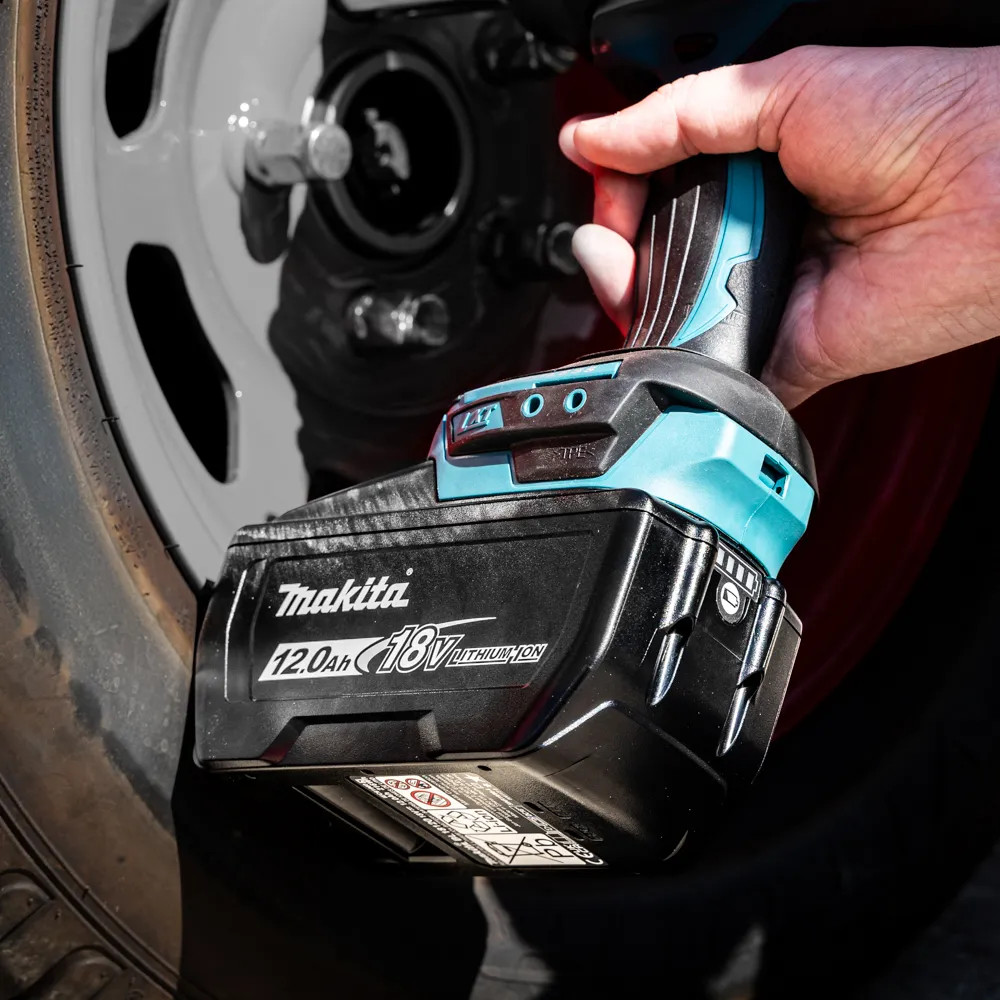
A good Makita 18V battery has a hard life on site. It gets left in the van on cold British mornings, thrown into tool bags, covered in plaster dust, cooked in summer heat, then expected to run saws, grinders, combi drills, and impact drivers without complaint.
So when a battery starts playing up, it is a real nuisance. It might show a full charge one minute, then cut out halfway through a job the next. Before buying a replacement, it is worth checking what is actually at fault. The problem could be the battery, but it could just as easily be the charger, the tool, dirty terminals, or the conditions it has been working in.
This guide is aimed at tradespeople who use Makita LXT kit daily and want a practical way to diagnose common issues. For replacement packs, chargers and bundles, you can view Toolden’s full range of Makita batteries and chargers.
Makita Batteries & Chargers
Decoding the Makita DC18RC Charger Lights
The Makita DC18RC LXT 14.4-18V Fast Charger is one of the most common chargers found in vans and workshops. It is an intelligent charger, so the lights are not just there to show “charging” and “charged”. They can also point towards heat, cooling, contact or battery faults.
| Charger light pattern | What it usually means | What to do next |
|---|---|---|
| Flashing green | The charger is powered and ready. | Insert the battery firmly and check that the terminals are clean. |
| Solid red | The battery is charging. | Leave it to complete the cycle. |
| Red and green showing together | The battery is well into the charge cycle, often near the final stage. | Let it finish rather than pulling it off early every time. |
| Solid green | The battery is charged. | Remove it and put it back into rotation. |
| Flashing red | The battery may be too hot or too cold to charge properly. | Let the pack cool down or warm up indoors, then try again. |
| Flashing red and green | This is the one most trades dread. It usually points to a battery fault or a pack the charger will not accept. | Clean the contacts, let the pack return to room temperature and test it again. If the same fault appears on another genuine charger, the battery is likely at end of life. |
Do not try to force a charge into a lithium-ion pack that the charger has rejected. That fault warning is there to stop a damaged or unstable battery being charged unsafely.
Sign 1: The Battery Refuses to Charge
A Makita 18V battery that will not charge is not always finished, but it does need a careful check. Start with the obvious things first.
Take the battery off and inspect the yellow connector plate and metal contacts. Plaster dust, timber dust, cement residue, or general grime can stop the charger making a clean connection. Wipe the battery contacts with a dry cloth, or use a soft brush if needed. Do the same with the charger terminals, making sure the charger is unplugged before you touch them.
Temperature is another common cause. A battery that has just come off a grinder or circular saw may be too hot to charge straight away. One that has been left overnight in a freezing van may be too cold. Let the pack come back to room temperature, then try charging it again.
If the charger still flashes red and green, the problem may be inside the battery. Makita LXT batteries use built-in electronics that communicate with the charger. The charger reads the battery and decides how, or whether, it should charge. If the pack has logged serious cell faults, or the charger detects unsafe behaviour, it may reject the battery to reduce the risk of overheating or fire.
This is why trying to “jump start” a Makita battery with loose wires or another battery is not worth the risk. You might bring the voltage up for a short time, but you have not repaired the faulty cells or the electronics inside the pack. If the battery still refuses to charge after cleaning the contacts, letting it warm up or cool down, and testing it on a known-good charger, it is time to stop using it.
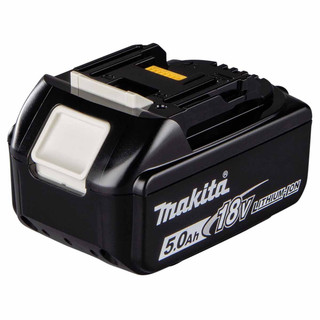
For replacing a failed pack, a standard trade choice is the Makita BL1850 18V 5.0Ah LXT Lithium-Ion Battery. If you need more runtime for heavy cutting, drilling or grinding, the Makita BL1860 18V LXT 6.0Ah Li-Ion Battery is another option.
Sign 2: It Shows Four Bars, Then Dies After Two Minutes
This is one of the most common problems with older Makita 18V batteries. You press the charge indicator and it looks fine. Then you put the battery into a saw, grinder, or SDS drill and it cuts out almost straight away.
The reason is that the charge indicator is not the same as a proper load test. It gives you a rough idea of the charge in the pack while it is resting. It does not show how well the cells cope when a high-drain tool suddenly asks for serious current.
As lithium-ion batteries get older, one cell group can weaken before the rest. The battery may still appear to hold charge, but once you start cutting, grinding, or drilling hard, the voltage can drop sharply. The tool then shuts down to protect itself and the battery.
A simple check is to try the same battery in two different tools. Use a low-demand tool first, such as a site radio or work light, then test it in something more demanding, like a circular saw, grinder, or combi drill working hard. If it runs normally in the light tool but dies quickly under load, the battery is probably worn out.
If several batteries behave the same way in one tool, look at the tool instead. A blunt blade, clogged disc, worn bit, blocked vents, or overloaded motor can all make a good battery seem faulty. Before writing off the pack, check that the accessory is sharp, the tool can breathe properly, and the job is not asking more of the machine than it was built to do.
Sign 3: It Overheats Under Normal Load
Some heat is normal. A battery running a grinder, reciprocating saw, or circular saw will warm up, especially in summer or during long cuts. What is not normal is a battery getting too hot to hold during ordinary use, cutting out again and again, or heating up on tools that are not being worked particularly hard.
That often points to rising internal resistance. Put simply, the cells have to work harder to deliver the same power. That creates more heat, which speeds up wear. Over time, the pack becomes less reliable and can become unsafe.
Stop using the battery if you notice a burnt smell, swelling, cracking, melted plastic, damaged terminals, or heat when the battery is not even fitted to a tool. Do not leave it in the van as a spare. Mark it as faulty and take it out of your working kit.
For teams running several tools all day, it can be more efficient to rotate batteries properly rather than hammering one pack until it is hot.
Pro Tips for Extending Makita Battery Life
1. Store batteries properly
Leaving Makita batteries in a freezing Transit overnight is not a great habit. Cold weather can knock performance in the short term, and poor storage over time can shorten the life of the cells, especially if the packs are left flat.
For daily use, try to keep batteries dry, clean, and away from unnecessary temperature extremes. If you are storing them for longer, do not put them away completely drained. A partly charged battery kept somewhere dry and reasonably temperate will always be better than a flat pack left in a cold van or damp lock-up.
2. Do not run the battery down to absolute zero
Older Ni-Cad batteries were known for memory effect, so plenty of users got into the habit of running packs right down before charging them again. That approach does not suit modern lithium-ion batteries.
With a Makita 18V LXT battery, it is better to recharge before the pack is completely drained. If the tool starts to lose power, swap the battery instead of trying to squeeze out the last bit of charge. Running packs flat over and over again puts extra strain on the cells and can shorten their useful life.
This is also where a proper Makita battery and charger setup matters. The Makita DC18RC 18V LXT Fast Charger and BL1850 18V 5.0Ah Battery Bundle is a practical option if you need to replace both a tired charger and a tired pack at the same time.
3. Keep the yellow terminal contacts clean
British sites are hard on batteries. Plaster dust, brick dust, sawdust, and general grime can all build up around the connector plate. Once the contacts are dirty, you can start seeing intermittent power, charging problems, or charger warnings that make the battery look worse than it really is.
It is worth making contact cleaning part of your normal kit check. Keep batteries out of loose rubble, dusty buckets, and open bags of plaster or cement. For routine cleaning, a dry cloth and a soft brush are usually all you need.
4. Rotate packs instead of cooking one battery
If you own three batteries but always reach for the same one, that one will age faster. Number your batteries with a marker and rotate them through the day. This spreads the workload and makes it easier to spot the weak pack before it costs you time on site.
For workshops, fit-out teams or anyone charging several batteries at once, the Makita DC18RD LXT 14.4-18V Twin Fast Charger is worth considering because it charges two compatible LXT batteries at the same time.
A Quick Note on Makita Battery Naming
People search for these products in different ways: makita 18v battery, makita battery, makita battery 18v, makita batteries 18v, batterie 18v makita and even makita a batterie. The wording is less important than the platform and connector.
For Makita LXT 18V tools, check that the battery is the correct slide-style 18V LXT type and that your tool has the correct star or yellow connector compatibility. When in doubt, compare your existing battery model number and charger against Toolden’s Makita batteries and chargers range before ordering.
When Should You Replace a Makita 18V Battery?
Replace the battery if it repeatedly refuses to charge, triggers flashing red and green charger lights after basic checks, dies under load despite showing charge, overheats during normal work or shows physical damage.
Do not open the pack. Do not bypass the battery electronics. Do not keep using a damaged lithium-ion battery because it “still works for small jobs”. A battery that is unstable under charge or load is not worth the risk.
If you are replacing one failed pack, the Makita BL1850 18V 5.0Ah LXT Lithium-Ion Battery is a solid all-rounder. If runtime is more important, look at the Makita BL1860 18V LXT 6.0Ah Li-Ion Battery. For replacing charger and batteries together, browse Toolden’s Makita 18V battery and charger options.
Final Word: Look After the Battery Before Blaming It
A failing Makita 18V battery is not always obvious at first. It may charge normally one day, then refuse the next. It might show full bars but still die as soon as it is put under load. Sometimes it only starts causing problems when it is cold, hot, or clogged with dust and site debris.
The safest way to deal with it is to work through the basics. Check the charger lights, clean the terminals, and let the battery come back to room temperature before testing it again. Try it in another tool, and if you can, test it on another genuine Makita charger. If the same fault keeps returning, replace the pack rather than risking lost time, poor performance, or damage to your tools.
Dead lithium-ion batteries also need to be disposed of properly. Do not throw them into a site skip or general waste. Take them to a local UK recycling centre or an approved battery recycling point, where they can be handled safely.
Need some help with your order? Our new help centre has a wide range of helpful articles and guides!
If you have any additional queries, please do not hesitate to contact us below: